
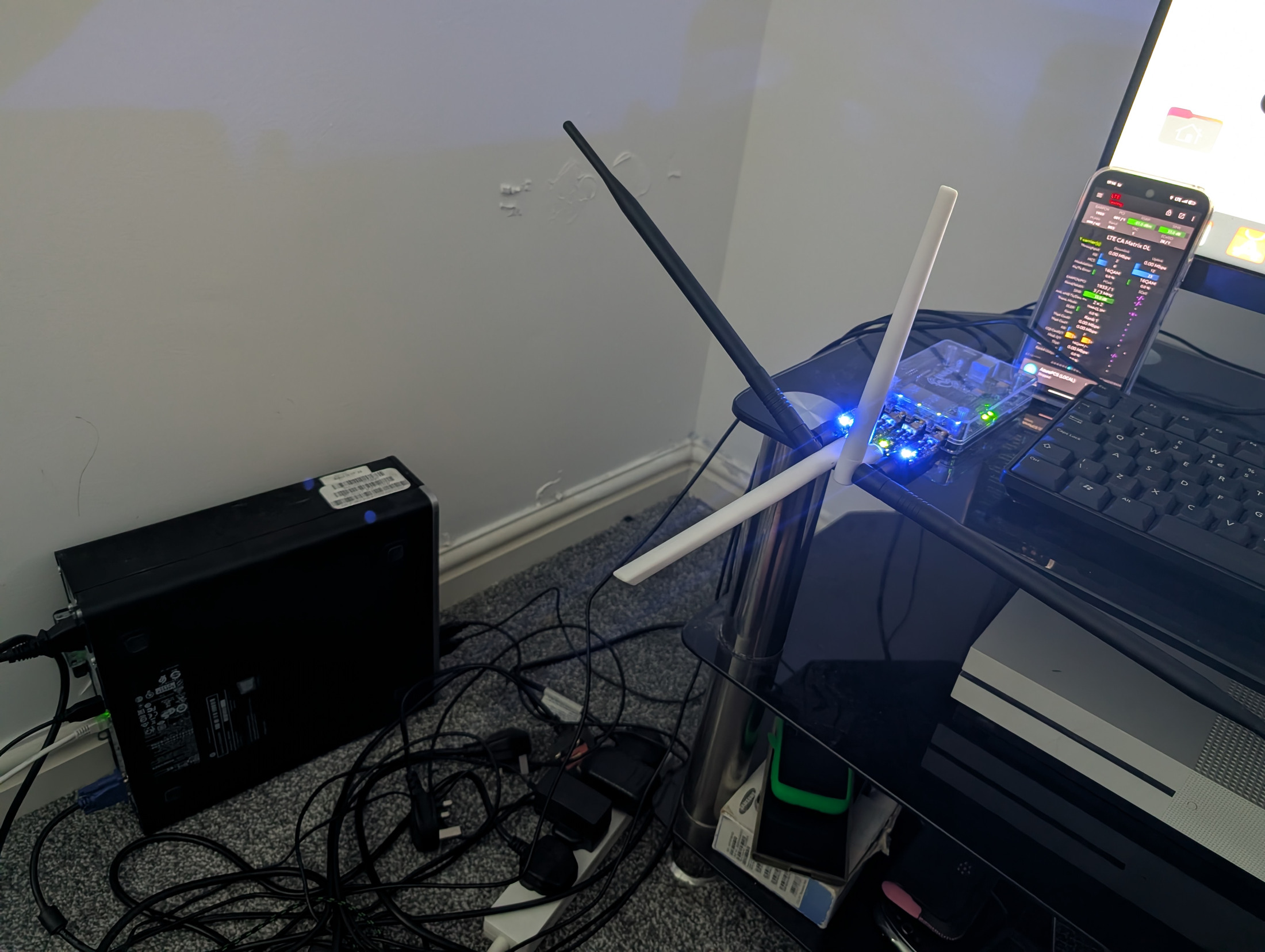
In this chapter
- Use a short evidence record
- The phone cannot find the network
- The radio cannot establish S1
- The network is visible but the SIM is rejected
- The phone attaches but has no Internet
- Small pages work, large transfers fail
- The connection stops after being idle
- Data works but calls or SMS fail
- When to stop changing things
Use a short evidence record
Write down the exact symptom, the time, what last worked, the last change and the first failed test. State whether the radio is visible, S1 is established, authentication succeeds, a phone IP is assigned and a website loads. This is much more useful than saying that 4G does not work.
Use your own device and a planned test account. Keep captures and full logs private. Share a minimal redacted error, software version and diagram when asking for help. Never paste K, OPc, ADM, passwords, eSIM activation codes or private key files.
The phone cannot find the network
- Check that you are legally permitted to transmit now and that RF is enabled only under that authority.
- Check the radio's power, alarms, timing lock, configured frequency, Band 40 variant and bandwidth.
- Check the handset's exact regional model supports that band. A marketing name can cover several different modem variants.
- Check network mode and manual selection. A SIM or handset policy can hide or reject a private PLMN.
- Move to a sensible test position inside the authorised area. Do not change licensed power limits to chase coverage.
Core NAT changes cannot repair an invisible RF carrier. Start with the radio and handset compatibility.
The radio cannot establish S1
- From the PC, ping the planned eNodeB address and inspect the interface and cable.
- Check MME bind address and the radio's MME destination. 127.0.0.2 is local to the PC and is not reachable as a core address from a separate radio.
- Use
sudo ss -lnp -A sctpto check the listener. Confirm SCTP 36412 is allowed from the actual radio address. - Inspect the MME log for a rejected S1 setup, PLMN mismatch or configuration error.
- On a remote design, check the tunnel, traffic selectors and return route. The LAN-only build has no IPsec dependency.
SCTP is a distinct transport protocol. Opening a TCP rule with the same port number does not open SCTP.
The network is visible but the SIM is rejected
Compare the full IMSI against the inserted card. Verify K, OPc versus OP, AMF, PLMN and two-digit versus three-digit MNC length. Inspect the exact rejection cause. Check whether a previous failed selection left the network in the handset's forbidden list. A controlled airplane-mode cycle, reinsertion or documented SIM selection procedure may be needed after correcting the cause.
Sequence-number resynchronisation is separate from changing keys. If the log reports an authentication sync failure, use the core's supported resynchronisation procedure. Never guess ADM codes, bypass authentication or edit random database fields to make a rejection disappear.
The phone attaches but has no Internet
| Check | Command or observation | Likely direction |
|---|---|---|
| APN and session | Phone APN internet, HSS session internet and IPv4. | Subscription/session selection if rejected. |
| Subscriber interface | ip -br address show ogstun | Missing TUN or pool route if absent. |
| Forwarding | sysctl net.ipv4.ip_forward | Must be 1 after firewall setup. |
| Radio user-plane traffic | A short capture on radio interface UDP 2152. | GTP-U address, firewall or route if absent. |
| Decapsulated traffic | Interface counters on ogstun. | SGW/PGW peer setup if only outer traffic exists. |
| NAT and reply | Counters in nftables and router connectivity. | Forwarding/NAT/return path if one direction only. |
| Name resolution | Compare DNS failure with IP reachability using a diagnostic tool. | Resolver choice, reachability or phone DNS settings. |
The MME control path and GTP-U data path are different. S1 being green is not proof that subscriber packets reach the packet gateway. In the Open5GS local LTE design the eNodeB reaches SGW-U; in the mixed VectorCore design the configured serving and packet gateway peers must agree as well.
Small pages work, large transfers fail
Investigate MTU and packet loss. GTP adds overhead, and an additional site tunnel adds more. Check whether needed ICMP error messages return, whether the phone was assigned the intended inner MTU and whether the same transfer works locally. If TCP works but UDP media fails, examine the media path and firewall instead of only adjusting TCP MSS.
Do not change every interface MTU at once. Record one controlled change and test it. A successful ping with its default small payload is weak evidence about the largest packets the whole route can carry.
The connection stops after being idle
Record how long the phone was idle and whether it recovers with airplane mode. Check MME paging and service-request handling, radio S1 stability, gateway session lifetime and any remote tunnel rekey or NAT timeout. Compare a phone on the local LAN radio with one on a remote site. This helps separate transport problems from core idle-state behaviour.
Restarting every process destroys useful evidence and disconnects other users. Read the service status and targeted logs first. Reproduce the fault with a test SIM before changing production timers.
Data works but calls or SMS fail
Confirm the separate IMS APN and P-CSCF discovery before looking for SIP registration. Check the handset's carrier profile and ISIM identities. A registration failure belongs to a different layer from a call that rings but has one-way audio. For audio, trace SDP and RTP through the media relay. For SMS, identify whether the intended path is IMS SMS or signalling-based SMS; these need different components.
Use the voice chapter's test matrix. Do not assume a data-capable Band 40 phone can provide native VoLTE on any private PLMN. An ordinary SIP app tests an Internet voice application and does not prove the phone's native IMS stack works.
When to stop changing things
If the new configuration is less understandable than the last working one, restore the saved version and reproduce the first failure. Keep the transmitter disabled during uncertain RF changes. Ask for help with a small diagram, exact versions, the expected result and a redacted error from one layer. You do not need to know all the answers to produce a good fault report.